Mbps vs MBps: What's the Difference?
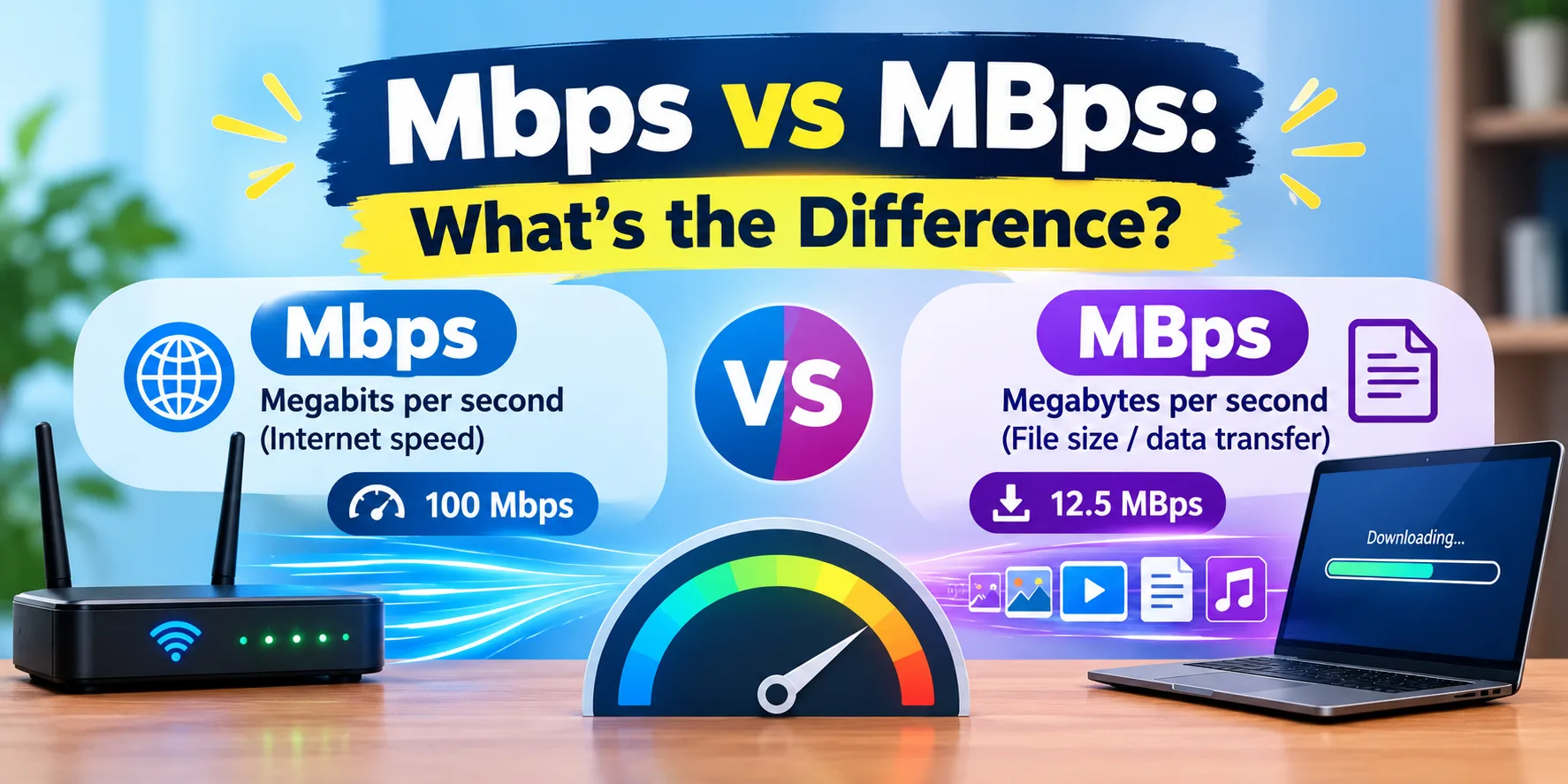
Your plan says 100 Mbps, but your download shows only 12 MB/s. Many people think they are being cheated, but nothing is wrong. Mbps and MBps are two different units, and the difference is a simple factor of 8. Mbps means megabits per second and is used for internet plans. MB/s means megabytes per second and is used for file downloads.
Once you know this, the numbers make sense. This guide explains what each unit means, shows you how to convert between them, and helps you work out how long a download should really take. Let's start with a quick test.
Step 1: Check Your Speed in Mbps
Start with a real number. Run a free speed test and note your download speed. It will be shown in Mbps.
Then divide that number by 8 to see the fastest file download speed you can expect in MB/s. For example, if the test shows 200 Mbps, your best-case download is 25 MB/s.
Common Reasons People Mix Them Up
The two units look almost identical
Internet plans use Mbps, but download managers use MB/s
Browsers and game launchers often show MB/s
Many people ignore the small b and capital B
Providers advertise the bigger number
1. What Mbps Means
Mbps means megabits per second. A bit is the smallest unit of data. Internet plans, speed tests and router specs use Mbps because network speed is measured in bits.
Always look for the small b: Mbps = megabits.
2. What MBps Means
MBps or MB/s means megabytes per second. A byte is a group of 8 bits and is used to measure file sizes and storage. Downloads, file transfers and torrents usually show MB/s.
Always look for the capital B: MB/s = megabytes.
3. The Conversion Formula
One byte equals 8 bits, so:
MB/s = Mbps ÷ 8
Mbps = MB/s × 8
If you pay for 100 Mbps, your best download speed is 12.5 MB/s. If a file downloads at 10 MB/s, your connection is moving 80 Mbps.
4. Mbps to MB/s Conversion Table:
25 Mbps = 3.1 MB/s
50 Mbps = 6.25 MB/s
100 Mbps = 12.5 MB/s
200 Mbps = 25 MB/s
300 Mbps = 37.5 MB/s
500 Mbps = 62.5 MB/s
1 Gbps (1,000 Mbps) = 125 MB/s
5. How Long Will a Download Take?
Use this formula: file size in MB × 8 ÷ speed in Mbps = time in seconds
At 100 Mbps:
1 GB file: about 80 seconds
5 GB file: about 6 min 40 sec
50 GB game: about 1 hr 7 min
At 500 Mbps:
1 GB file: about 16 seconds
5 GB file: about 80 seconds
50 GB game: about 13 min 20 sec
6. Why Your Real Speed Is a Little Lower
Even after converting correctly, your download may still be slightly below the table. Network overhead, WiFi quality, server speed and other devices on your network all take a share. If the gap is big, test with a cable and read our guide on why your internet is slow.
7. Mbps vs Gbps
Gbps means gigabits per second. 1 Gbps equals 1,000 Mbps, which is about 125 MB/s. Gigabit plans are common on fiber connections.
8. Why Providers Use Mbps
Mbps is the standard unit for network speed, and it gives a number 8 times bigger than MB/s. That is why every plan, router box and speed test uses it. It is not a trick, but it is easy to misread if you expect MB/s.
Quick Conversion Checklist
Run a speed test and note your Mbps
Divide by 8 to get MB/s
Compare with your real download speed
Use the formula to estimate download times
If real speed is far lower, test with Ethernet and check your setup
Final Thoughts
Mbps measures your connection speed, and MB/s measures your file speed. Divide Mbps by 8 and the two always match. So a 100 Mbps plan gives you about 12.5 MB/s at best, and a 1 Gbps plan gives about 125 MB/s. Real downloads are usually a little lower because of network overhead, WiFi quality and server speed. If your converted result is much lower than your speed test, check your setup using our guide on why your internet is slow. To see your own numbers right now, run our internet speed test and divide the result by 8. It takes under a minute.